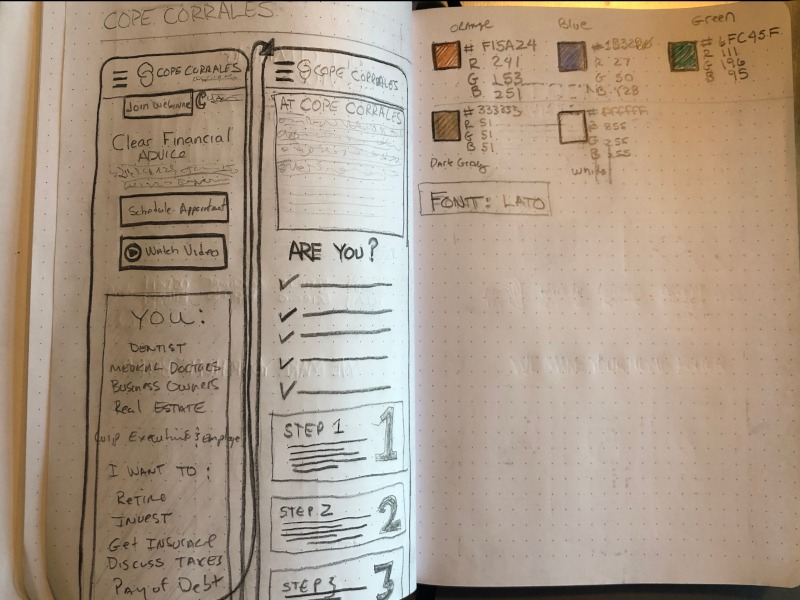
Fusion Builder – Empowering Designers, Streamlining Development
Fusion Builder was developed in-house at TripleE Fusion, driven by the CEO’s vision to eliminate the bottlenecks designers face when relying on developers. The goal: build a lightweight, fast, and intuitive website builder that lets designers create stunning websites—no coding required.
By enabling designers to independently craft layouts and iterate quickly, the development team was free to focus on custom features and innovation. The result? Faster project delivery, higher-quality code, and more creative freedom across the board.
My Role: Principal Product Designer
As the lead UX/UI designer, I guided the product from concept to launch, ensuring it met both user needs and business goals.
Key Responsibilities
- Conducted discovery sessions with stakeholders, senior designers, and developers
- Led technical feasibility research to define product constraints
- Designed user flows, wireframes, high-fidelity mockups, and interactive prototypes
- Oversaw user testing across multiple development phases
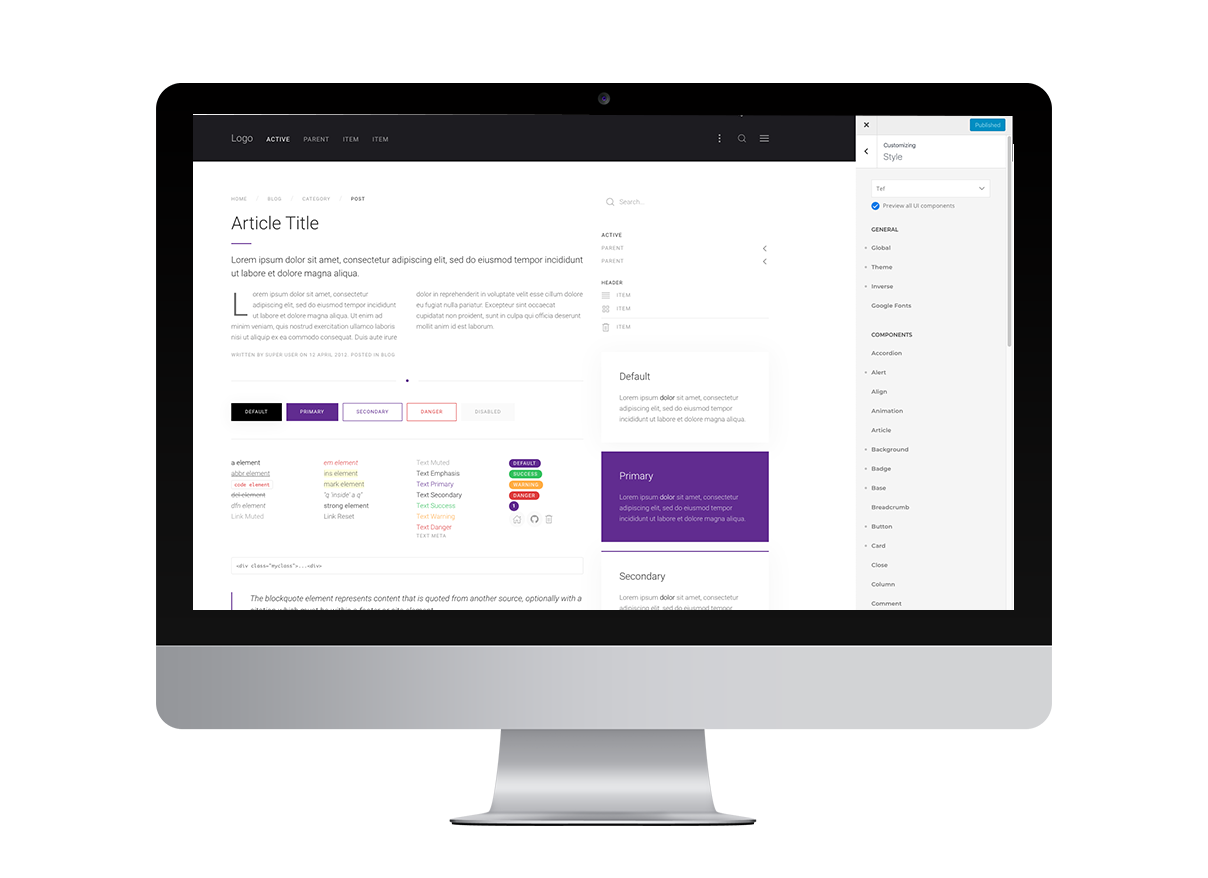
- Created a scalable design system to support consistent and flexible layouts

Impact
Fusion Builder changed how we approached web projects at TripleE Fusion. It not only empowered designers to move faster and more creatively but also allowed the development team to focus on innovation rather than routine implementation.
This project reinforced my belief in cross-functional collaboration, design-driven development, and the power of intuitive tools to unlock team potential.
Design Approach
Lean UX for Early Momentum
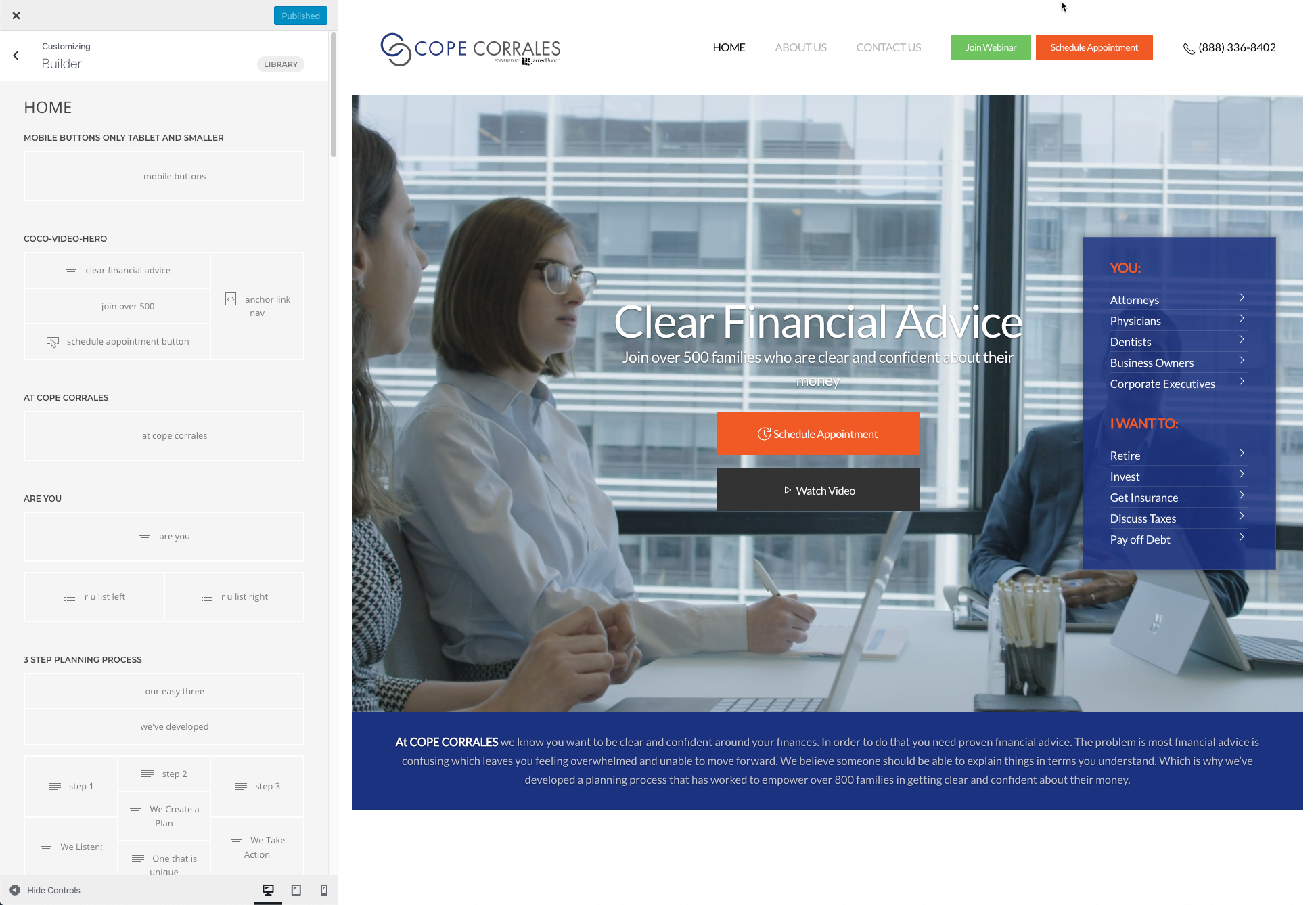
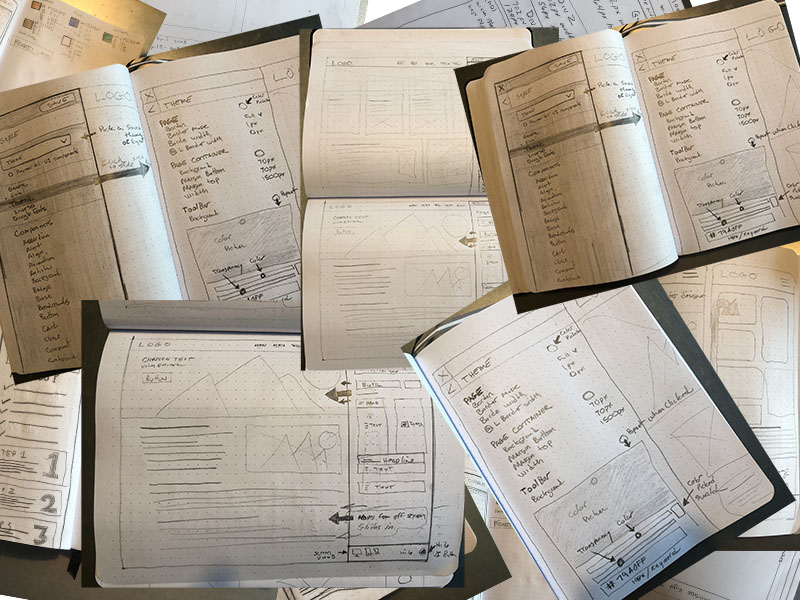
We began with Lean UX methodology—sketching ideas, gathering feedback, and testing quickly. Developers were looped in early, which not only fostered alignment but also helped us identify technical hurdles before they became roadblocks.
Agile Sprints for Delivery
Once the core concept was validated, we shifted to Agile Scrum. I worked just ahead of the dev team, refining and testing designs with our in-house designers and the CEO. Each sprint began with finalized assets and interactive prototypes, keeping design and development perfectly in sync.
Product Highlights
Fusion Builder was designed with the user in mind—lightweight, efficient, and powerful.
Core Features
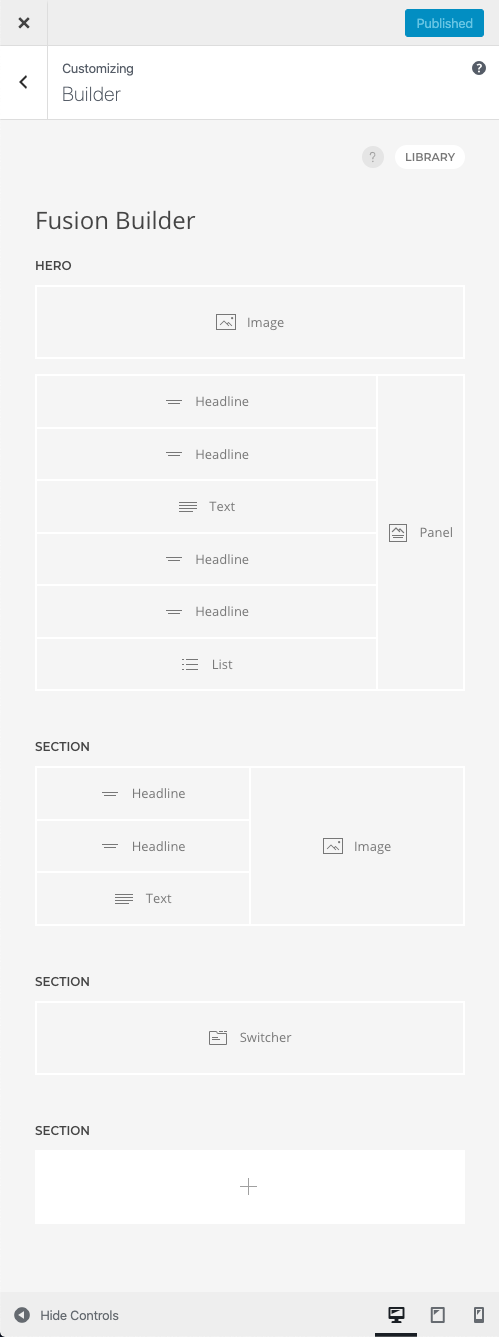
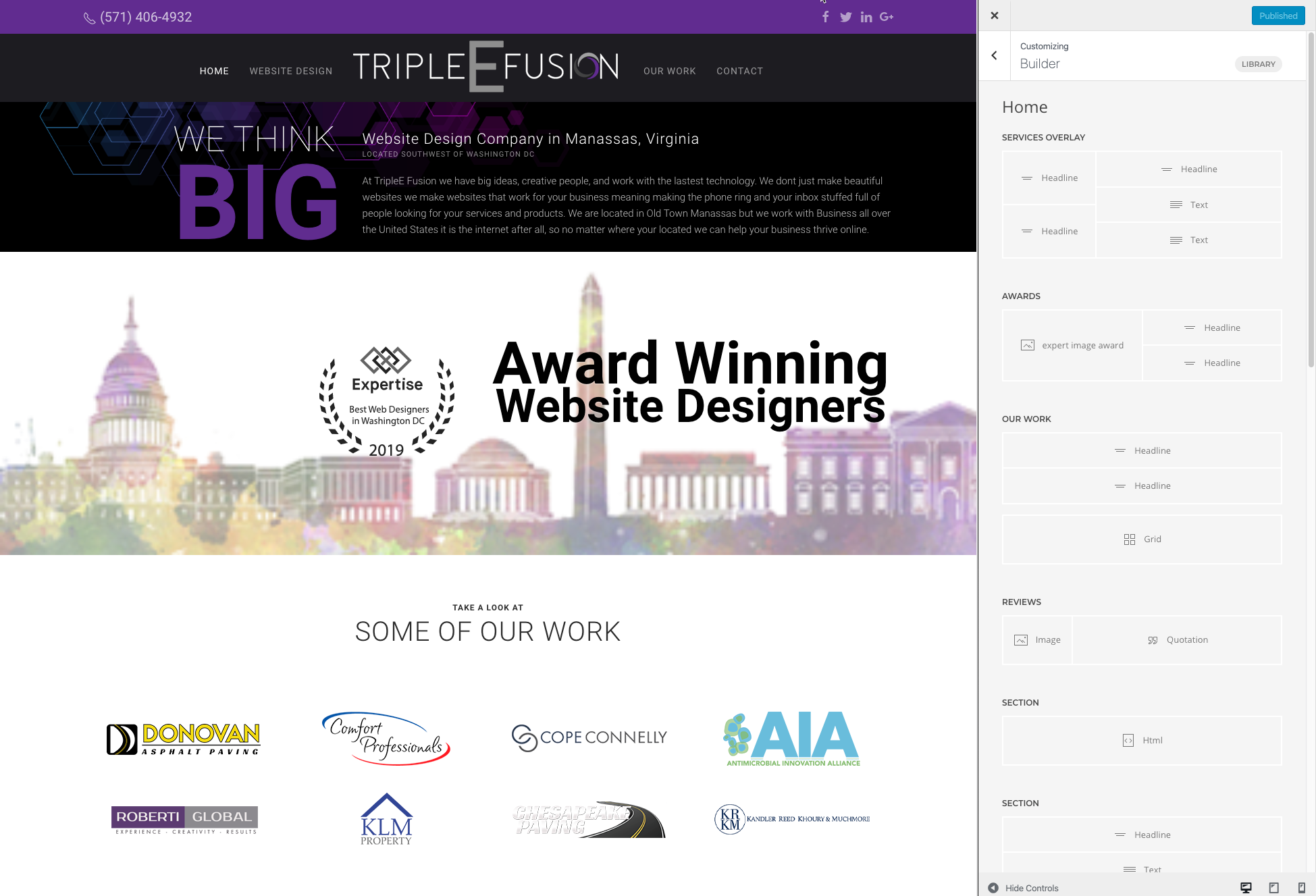
- Drag & Drop Builder: Rearrange content effortlessly
- Responsive Grids: Flexible layouts without touching code
- Instant Element Insertion: Add text, images, forms, and more in seconds
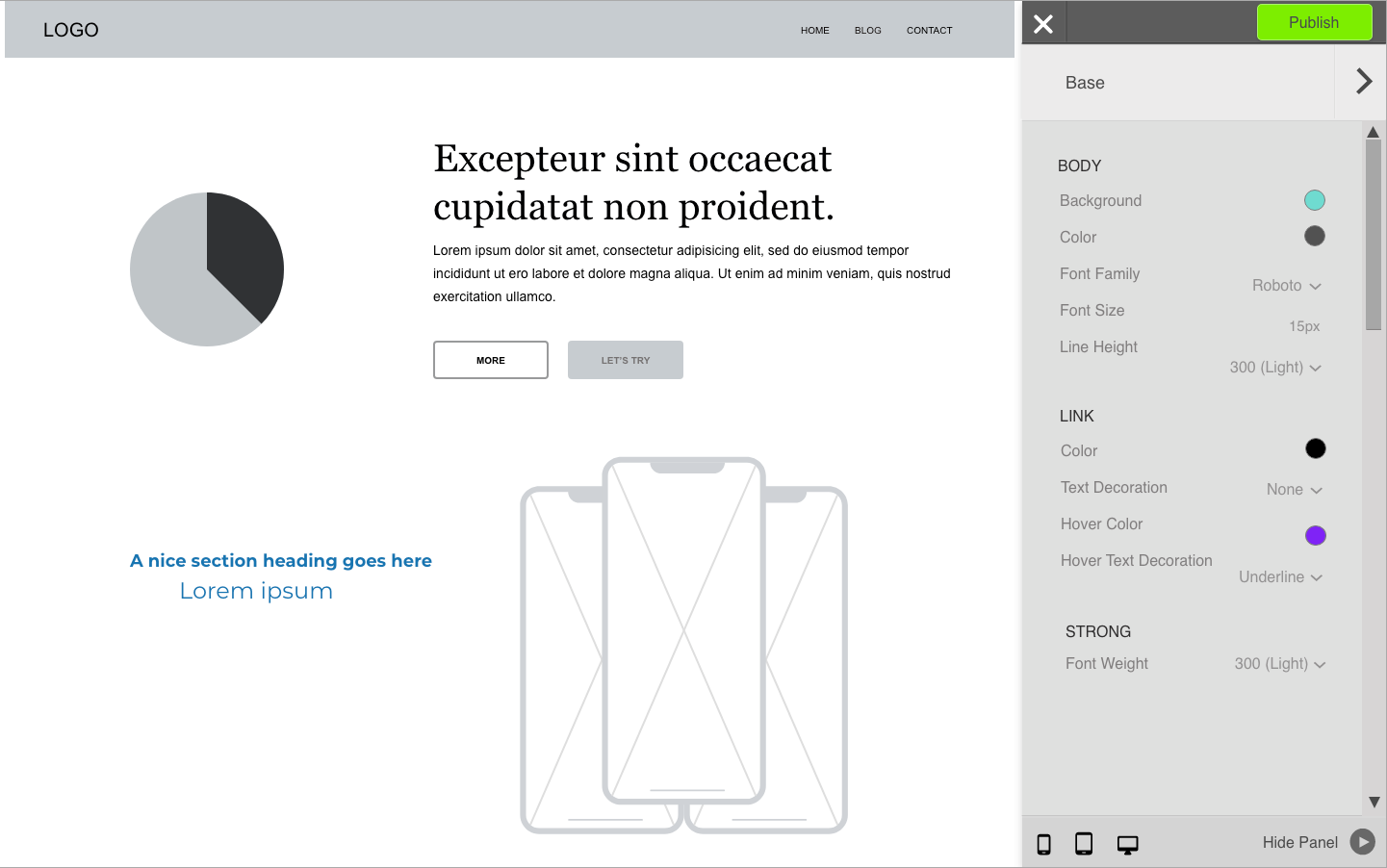
- Live Preview: See edits as you make them
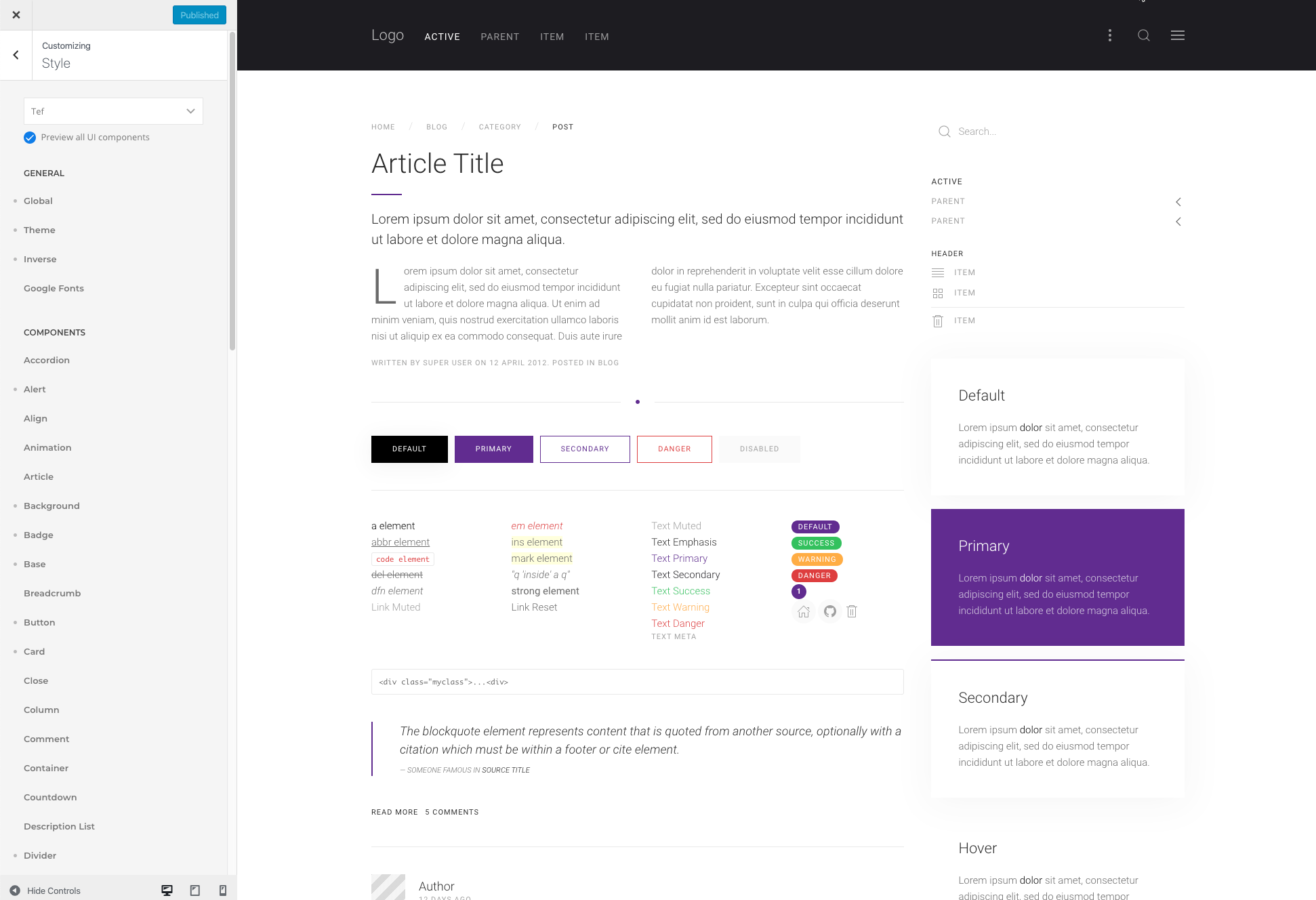
- Global UI Components: Ensure brand consistency across pages
- Color Picker: Update site-wide colors in real time
- Google Fonts Integration: Access 500+ fonts
- Icon Library: 120+ modern, web-friendly icons
- Custom Blog Layouts: Multiple display options
- Footer & Mobile Header Builders: Tailor every section of your site
- Advanced Menus: Smooth animations, sticky nav, dropdowns, and more
- Sidebar Placement: Choose left or right positioning
- Faster Project Turnaround 60%
- Before Fusion Builder: Average website build time was 2–3 weeks
- After Fusion Builder: Reduced to 5–7 days
- Why it matters: By removing the dependency on developers for layout and styling tasks, designers could launch more projects in less time. This dramatically increased our team’s overall throughput and gave us a competitive edge for quick-turnaround client work
- Onboarding Time for New Designers Reduced by 70% 70%
Onboarding Time for New Designers Reduced by 70%
- Before: New designers needed extensive training in our tech stack and layout standards.
- After: With Fusion Builder’s intuitive UI and global style components, new hires could start building in days instead of weeks.
- Outcome: Smoother onboarding = quicker contributions to active projects.
3x Increase in Design Iterations During Client Review
- Why this mattered: Designers could spin up multiple variations of a layout or homepage within the same day—no coding bottlenecks, no long wait times.
- Result: Clients had more options to choose from earlier in the project timeline, leading to faster approvals and more aligned results.
10–15 Developer Hours Saved Per Project
- Task type: Layout building, styling, content changes
- How we achieved this: Designers handled the full layout process with drag-and-drop tools and reusable components. Developers were now only involved in custom functionality, freeing them up for higher-impact tasks.
- Result: Dev resources were redirected to building unique features and integrations, improving overall product quality.
- Reduction in QA & Design-to-Dev Feedback Loops 40%
40 % Reduction in QA & Design-to-Dev Feedback Loops
- Why: Clean, consistent code was generated automatically, reducing mismatches between design intent and final implementation.
- Bonus: Developers spent less time fixing layout bugs or manually adjusting visual elements, further increasing velocity.
Brand Consistency Across Projects
- Achieved through: Global UI components and style controls
- Impact: Even non-technical designers maintained brand integrity across large, multi-page sites—improving design cohesion and client satisfaction.
Work
Unified Marketing Dashboard From Chaos to Clarity
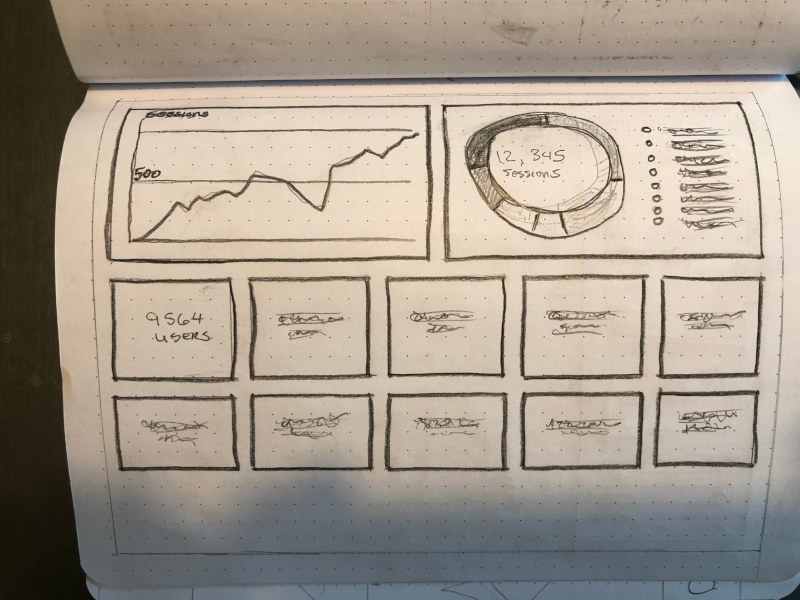
TripleE Fusion was juggling marketing data across platforms like Google Ads, call tracking soft-ware, SEO tools, Facebook Ads, reviews, and website analytics.
Designing for Scale, Trust, and a Growing Client Base